How To Make A Free Coloring Page From A Photo: A Simple Step-By-Step Guide

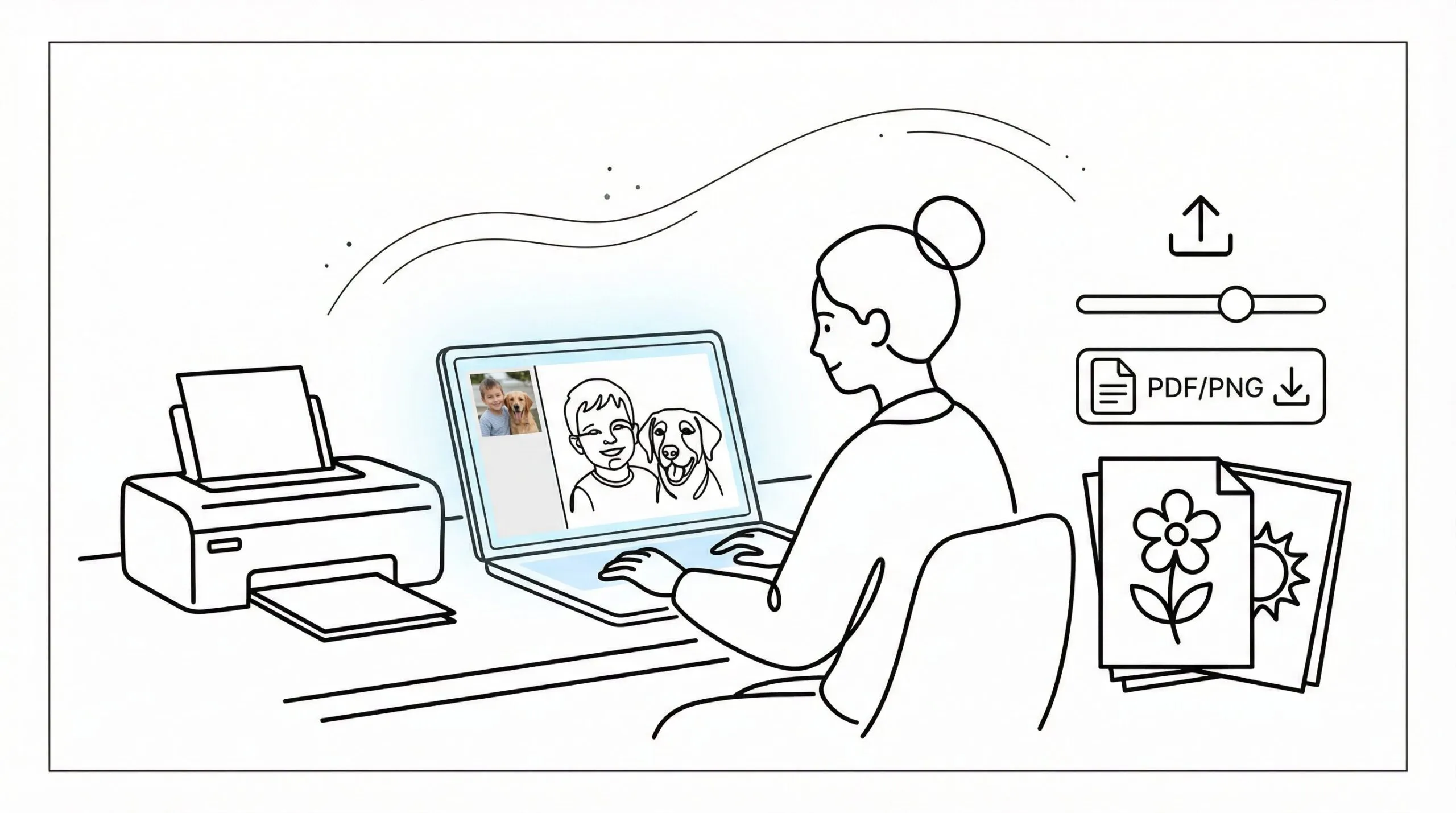
Coloring page from photo free tools make it surprisingly easy to turn a favorite picture into printable line art in just a few minutes. If you’re a parent making a personalized activity, a teacher prepping a calm classroom station, or an adult who wants a simple mindfulness project, this process is low-cost and beginner-friendly.
In this guide, you’ll learn how to choose the right image, convert it using a free browser-based tool, clean up the results, and save it in a format that prints well. No design degree. No fancy software. Just a clear photo, a few smart choices, and a page you can actually use today.
Key Takeaways
- Choosing a bright, clear photo with a simple background ensures the best results when creating a coloring page from photo free tools.
- Free online converters allow you to quickly turn photos into printable line art without needing advanced software or design skills.
- Adjust line thickness, simplify details, and remove backgrounds to make coloring pages easier and more enjoyable, especially for kids.
- Save your coloring pages as PNG or PDF files for sharp lines and easy printing, always testing a sample before mass printing.
- Photo to coloring page free tools are ideal for personalized classroom activities, gifts, mindfulness projects, and small business printable bundles.
- Develop a repeatable workflow by saving strong source photos and using consistent style presets to create custom coloring pages faster and more efficiently.
Choose The Right Photo For A Clean, Printable Coloring Page
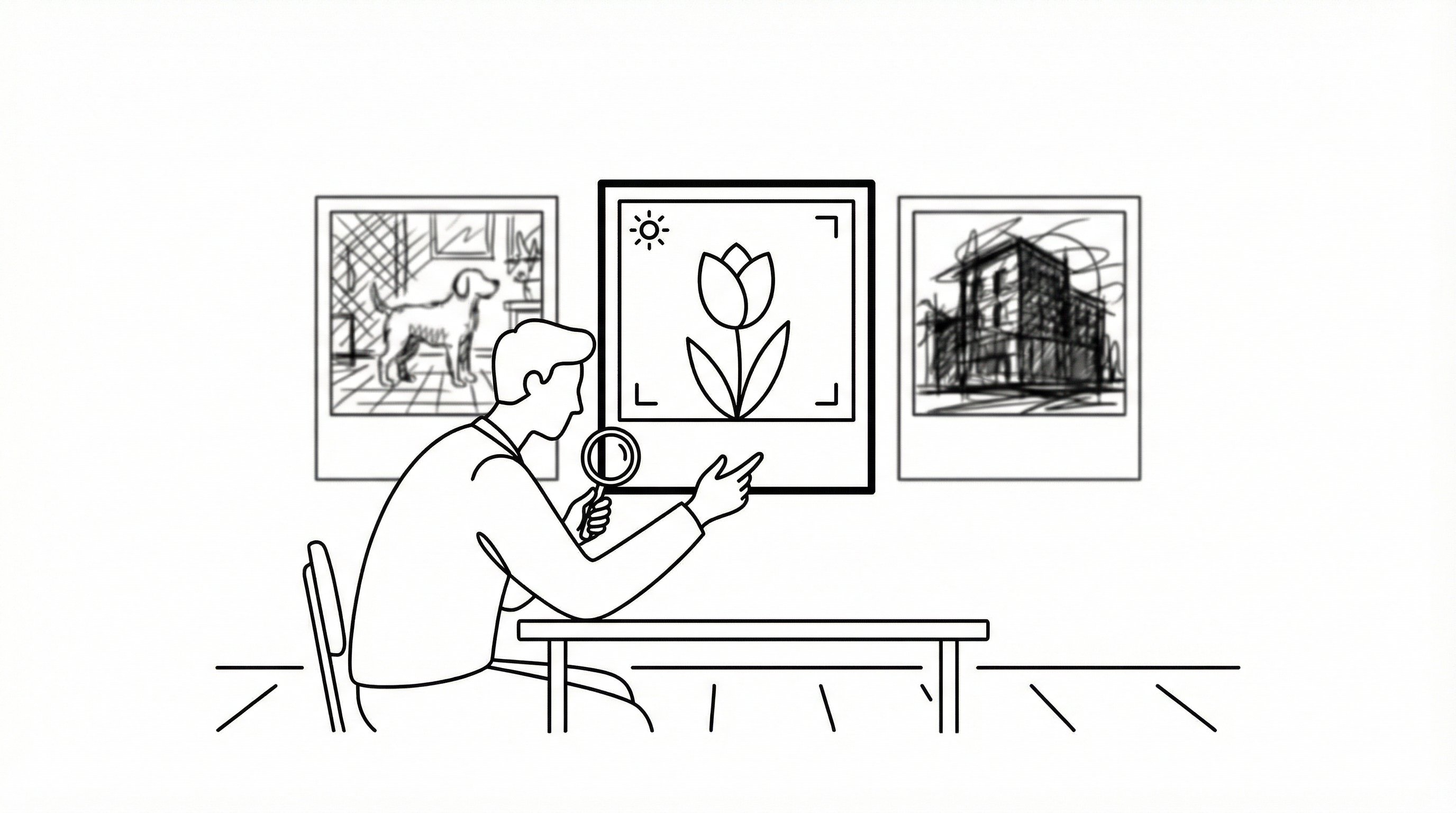
A good result starts with a good photo. Free photo to coloring page tools can detect edges fast, which means you save time, but they can’t fully rescue a dark, cluttered, or blurry image.
This advice is for beginners, busy teachers, and parents who want something printable fast. It’s not ideal for professional illustrators who need exact hand-drawn control.
Here’s what works best:
- Bright, even lighting, which means clearer outlines and less muddy shading
- One main subject, which means the tool can separate the important shapes
- Simple backgrounds, which means fewer distracting lines
- Sharp focus, which means cleaner printable edges
- Good contrast, which means facial features, clothing, or object borders show up better
Photos of pets, portraits, toys, flowers, and simple buildings usually convert well. Busy party scenes or low-light phone photos usually don’t.
If you want a faster start, a dedicated photo to coloring page tool can simplify the image automatically, which means less cleanup later. Teachers often use student-friendly images because classroom prep time is tight, and Education Week regularly highlights how practical, low-prep materials support real instruction.
Do this today: spend 5 minutes picking 3 clear photos and choose the one with the simplest background.
Turn Your Photo Into A Coloring Page For Free
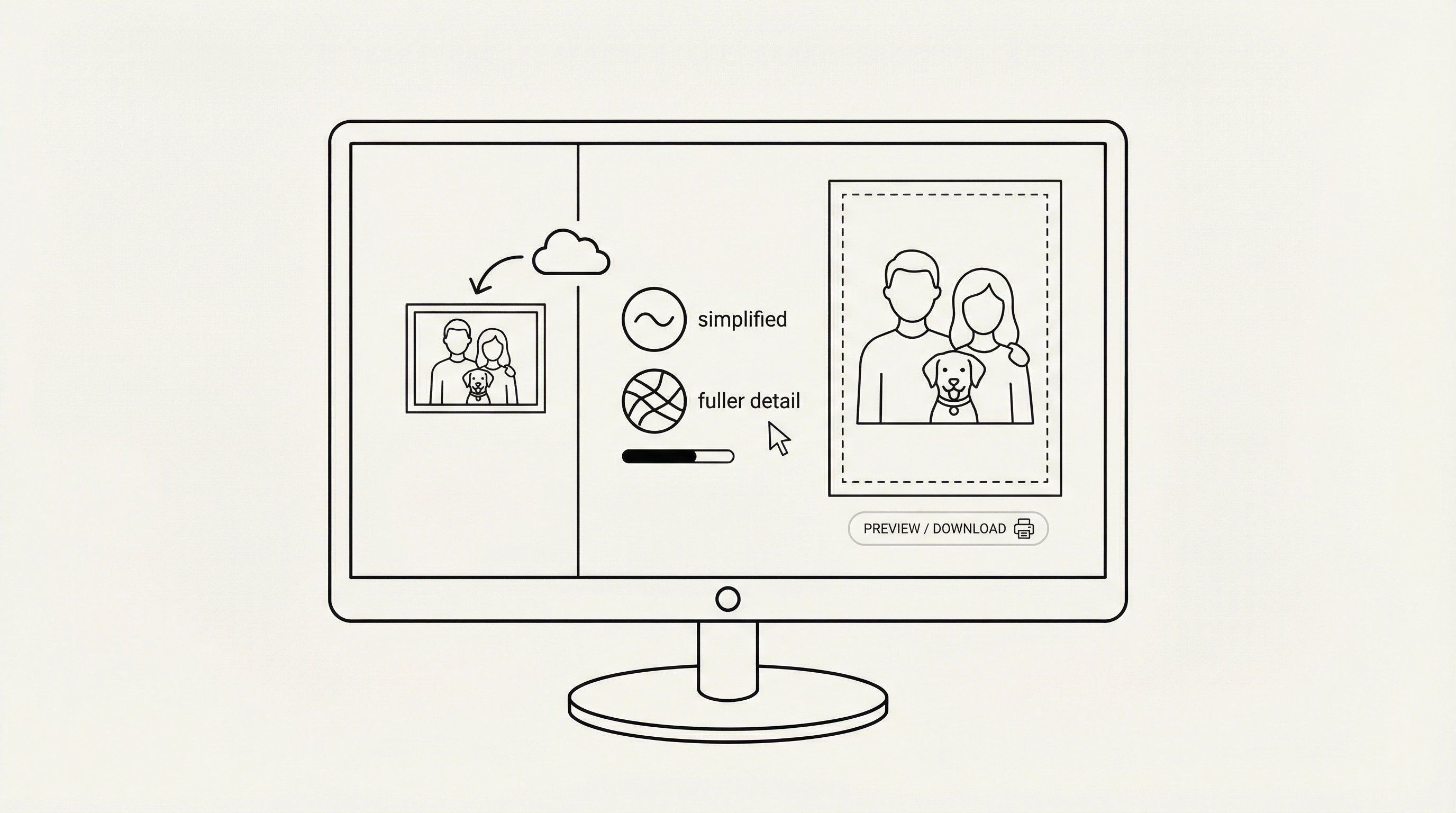
Now convert the image. Most coloring page from photo free platforms work in your browser, which means you don’t need to install software or pay upfront.
This step is great for parents, teachers, churches, therapists, and small business creators making custom activities. It’s not the best fit if you need advanced layer editing or print-shop color correction.
Use this simple process:
- Open a free converter.
- Upload your JPG or PNG.
- Pick a style like simple line art, cartoon, or no background.
- Let the tool process the image.
- Preview the result before downloading.
A browser-based coloring page generator can turn a family photo or pet picture into clean outlines in seconds, which means you can test several versions without wasting paper. If you want more examples first, this guide on turning a picture into coloring pages shows how different photo types convert.
Pick simplified art if the first result looks too busy. Pick full line art if you want older kids or adults to have more detail.
Try this today: upload one photo and test 2 style options in under 10 minutes.
Adjust The Line Art So It’s Easy To Color
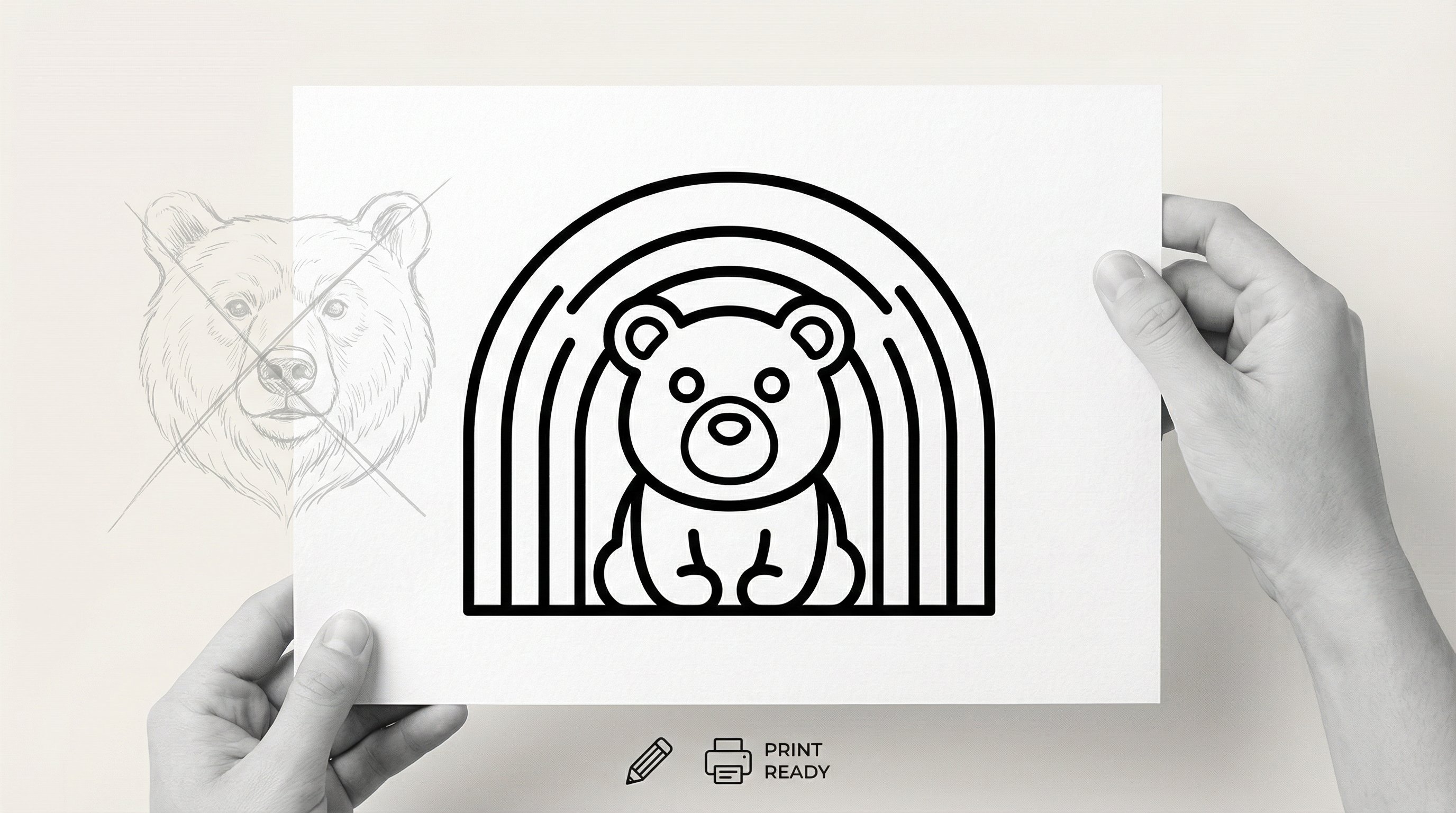
Your first conversion is rarely the final one. A few small tweaks can make your photo to coloring page free result much easier to color, which means less frustration for kids and cleaner finished pages for adults.
This is especially useful for classrooms, therapy settings, and gift-making. It matters less if you only want a rough draft for inspiration.
Focus on these adjustments:
- Increase line thickness, which means shapes stay visible after printing
- Reduce tiny details, which means younger kids can color without getting overwhelmed
- Remove or fade the background, which means the main subject stands out
- Boost contrast, which means outlines look crisp instead of gray
If you’re using ai coloring tools, style controls often help simplify hair, clothing folds, or textured backgrounds, which means your page feels intentional instead of noisy. For photo-based pages with educational value, even public-domain source material from Wikipedia can work well when converted into simple line art for history or geography activities.
A good rule: if a child can’t quickly tell what the picture is, simplify it one more step.
Start by printing one test page after 3 to 5 minutes of edits and checking whether the main shapes are obvious from arm’s length.
Print Or Save Your Coloring Page In The Best Format
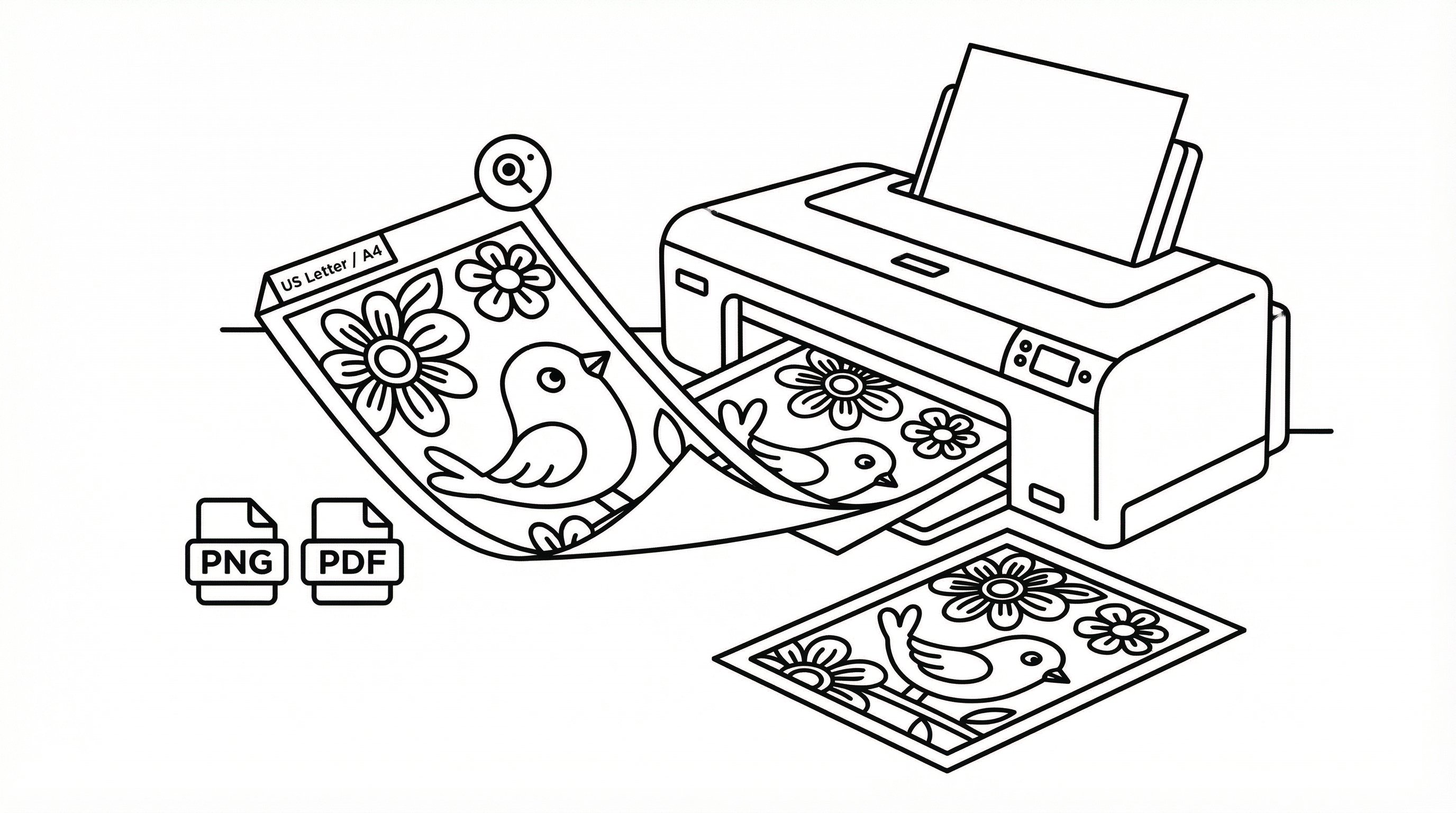
The file format matters more than most people expect. The best coloring page from photo free result can still look rough if you save it in the wrong format, which means jagged lines, faint printing, or a page that scales badly.
This section is for anyone who wants clean reprints. It’s less relevant if you’re only sharing the image digitally.
Use these quick rules:
- Save as PNG for sharp line art, which means edges stay cleaner
- Save as PDF for easy printing and multi-page packets, which means better classroom or event use
- Print on US Letter or A4, which means fewer sizing problems
- Use high resolution when available, which means the page holds up on reprints
A full coloring page generator often offers print-ready downloads, which means you can move from upload to printable page without another app. If you’re building a themed packet, a printable example like this free kids activity shows the kind of clear spacing that prints well.
Before printing 30 copies, always test one page. Thin gray lines may look okay on screen but weak on paper.
Do this today: save your page as PNG and PDF, then print one sample copy before making multiples.
Use Your Photo To Coloring Page Free Results For Classrooms, Gifts, And Mindfulness
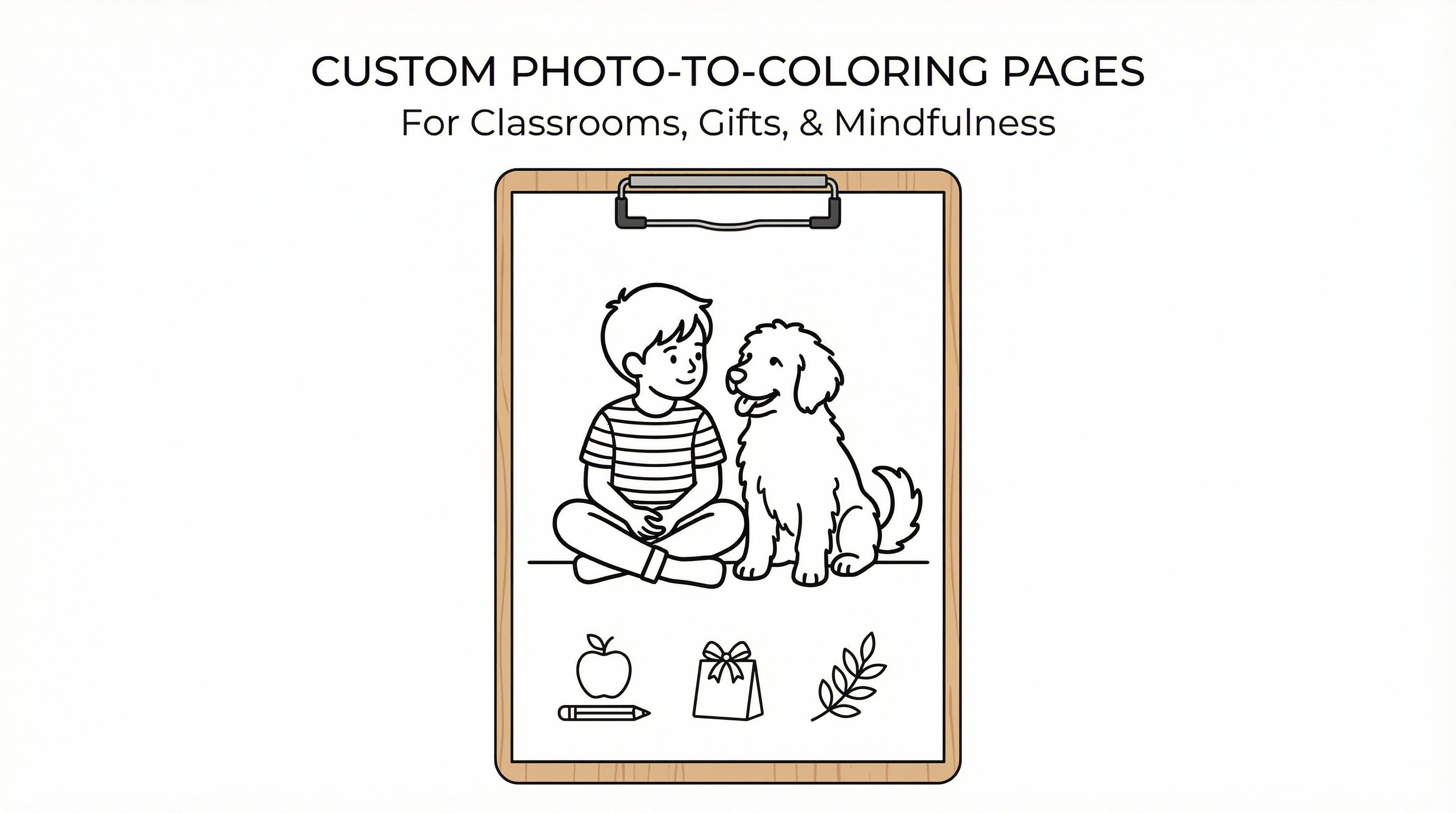
Once you’ve made one page, the real fun starts. Photo to coloring page free tools are useful because they turn personal images into activities with emotional value, which means the page feels more engaging than a generic printable.
This is for teachers, parents, therapists, churches, and creators selling simple activity bundles. It’s not for people who need licensed commercial artwork from third-party photos.
Here are practical uses:
- Classrooms: turn field-trip photos, school mascots, or historical images into reflection pages
- Gifts: make a child’s pet, grandparent, or vacation memory into a custom coloring sheet
- Mindfulness: convert calming nature photos into slow, screen-free activities
- Small business extras: include branded printable pages in party kits or digital bundles
If you want to expand one page into a themed set, you can make your own coloring book, which means one good idea becomes a full printable packet. And if you want to build creative skills around your project, platforms like Coursera offer visual design and art courses, which means you can sharpen both the fun side and the practical side.
Try this today: turn one personal photo into a page for a student center, gift bag, or 15-minute quiet-time activity.
Fix Common Problems Like Blurry Lines, Too Much Detail, Or Dark Backgrounds
Most problems are easy to fix once you know what caused them. When a coloring page from photo free result looks messy, it usually comes down to image quality, subject choice, or style settings, which means you can often solve it in one quick retry.
Use this troubleshooting checklist:
| Problem | Likely cause | Quick fix |
|---|---|---|
| Blurry lines | Low-quality photo | Upload a sharper image |
| Too much detail | Busy background or textured clothing | Choose simplified style or crop tighter |
| Dark gray page | Poor lighting | Brighten the photo before uploading |
| Missing facial features | Low contrast | Increase contrast or use a closer photo |
| Strange outlines | Overlapping subjects | Pick an image with one clear focal point |
A guide to photo to coloring page examples can help you spot which source images translate well, which means you make better choices from the start. For classroom creators building skill-based activities, Khan Academy reflects how clear visuals support learning, which means simpler pages often serve students better than highly detailed ones.
If the page still looks busy after two tries, switch photos. That’s often faster than endless tweaking.
Start by retrying with a tighter crop and a brighter image. Give yourself 5 minutes before deciding whether to replace the photo.
Create Your Next Custom Coloring Page Faster
After your first success, build a repeatable workflow. That’s the easiest way to make coloring page from photo free projects feel quick instead of fiddly.
Keep a short system:
- Save a folder of strong source photos.
- Use the same style preset for your audience.
- Print one test page before making a batch.
- Save final files by theme, age group, or event.
For example, younger kids usually need bold outlines and fewer details, which means simpler presets save time. Adults doing mindfulness pages may enjoy more texture, which means slightly richer line art works better.
If you make pages often, a reusable photo to coloring page workflow and broader ai coloring options can help you move from random experiments to a dependable system, which means faster prep for classrooms, gifts, or printable products.
Do this today: create a folder with 10 photo candidates and name three preset types: kids, classroom, and mindfulness.
Frequently Asked Questions about Coloring Page from Photo Free
What is the best type of photo to use for creating a coloring page from a photo free tool?
Choose a clear, well-lit photo with a simple background, sharp focus, and good contrast. Pictures of pets, portraits, or toys usually produce clean, printable coloring pages with distinct outlines.
How do free tools convert photos into coloring pages?
Free online converters process your JPG or PNG photo in your browser, detecting edges and simplifying details into line art. You upload the image, choose a style like full line art or simplified, and download a printable coloring page instantly without software installation.
Can I adjust the line art after converting my photo for easier coloring?
Yes, many tools let you increase line thickness, reduce tiny details, or remove backgrounds to make the coloring page simpler and more enjoyable, especially for kids or classroom use.
What file formats are best for saving and printing coloring pages created from photos?
Save your coloring page as a high-resolution PNG for sharp lines or PDF for easy printing and multi-page packets. Printing on US Letter or A4 paper works best for consistent sizing.
Are there specific uses for coloring pages made from personal photos?
Absolutely. These custom pages are perfect for classroom activities, personalized gifts, mindfulness exercises, or small business printable products, giving a unique and engaging experience beyond generic coloring sheets.
What if my coloring page results have blurry lines or too much detail? How can I fix this?
Blurry lines usually come from low-quality photos; try uploading sharper images. Excessive detail or dark backgrounds can be fixed by choosing a simplified style, cropping the photo tighter, or enhancing brightness before conversion.