Changelog: 10x faster Drawing to Coloring Page improvements

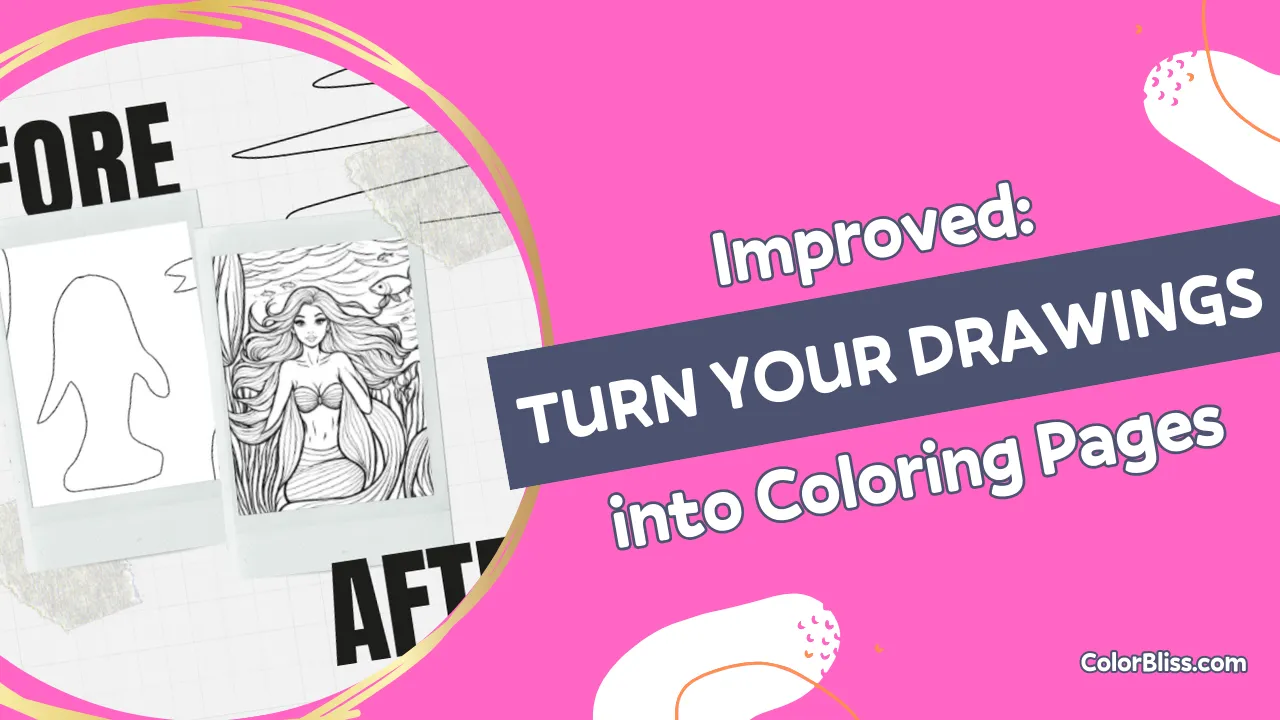
New quality of life improvements for turning your drawings into coloring pages!
What’s new?
ColorBliss has been able to turn your drawings into coloring pages for a while, but as of today, this feature has gotten a whole lot better:
- Better quality – I’ve trained a new model to provide even better quality
- 10x faster – It now takes 10 seconds or less to turn your drawing into a coloring page
- Editing – Edit, inpaint, outpaint, adjust contrast – you have the full suite of editing tools at your service now
- Delete – clean up your unwanted coloring pages with a quick delete button
How to turn your drawings into coloring pages
- Go to Drawings to Coloring Pages
- Upload a photo of a drawing you’ve made OR scribble a quick outline
- Click “Export”
- Once the image description is generated, click Generate OR edit the description to customize the image you want
- Enjoy your coloring page!
Here’s an example drawing that I did:
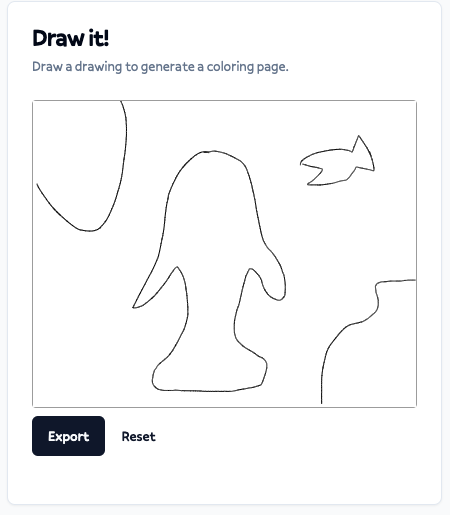
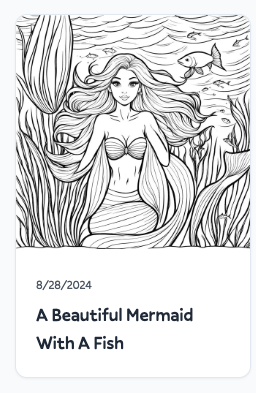
With the prompt “A beautiful mermaid with a fish” you can see what we get:
Video Demo
Want to see it in action? Here’s a video demo of me turning some of my (very bad) scribbles into coloring pages!